Nowadays, AI-powered tools can handle different tasks such as creating videos, developing websites, writing emails, and finding valuable insights – in just seconds. Such online tools can help boost your productivity and stay organized in your working hours, no matter if you’re working on-site or remotely.
After researching a lot, we found these eight free online tools that you can use to enhance your overall efficiency.
8 Free Online Tools That Help You Stay Productive in 2026
Cheqmark
Cheqmark offers countless different checklist templates that you can use to create a to-do list of your daily tasks. You can upload the text into the tool, add icons, and generate a complete checklist for you, which can be downloaded.
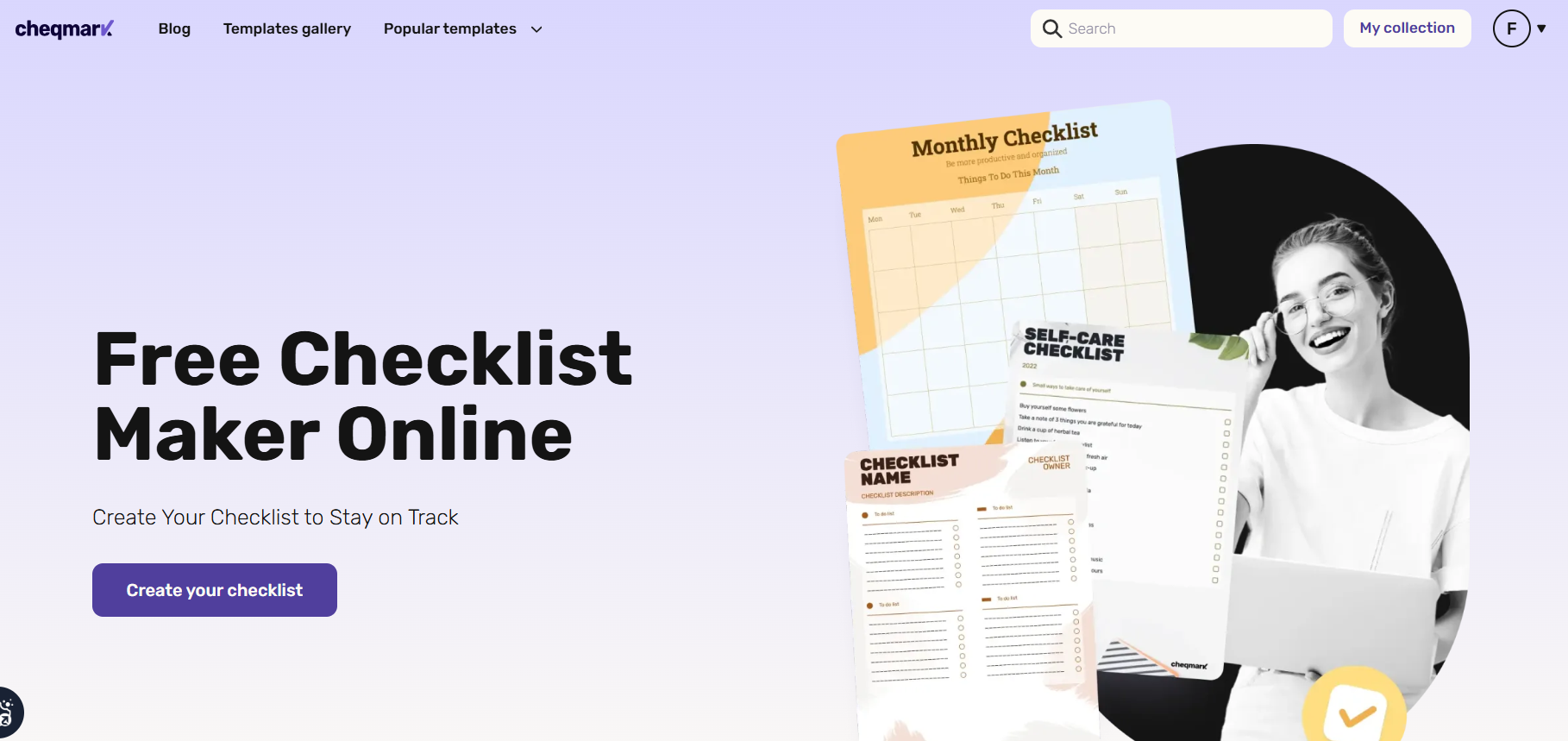
It’s one of the best productivity tools for tracking your work, managing tasks, and organizing them based on priority.
Key Features
- Offers a simple editor to upload and edit text.
- Hundreds of ready-to-use checklist templates.
- Interactive progress tracking to highlight your productivity.
- Users can pick any color they want to personalize the checklist.
What You’ll Get in the Free Usage?
Cheqmark.io is completely free to use, and you don’t have to pay a dime to use it. You can create free to-do lists to stay organized and focus on critical tasks.
Premium Plan
No premium plan available yet.
HeyGen
Creating a product or marketing video takes hours and requires different gadgets. It can take several tries to get a perfect shot for your video, which is a very time-consuming process.
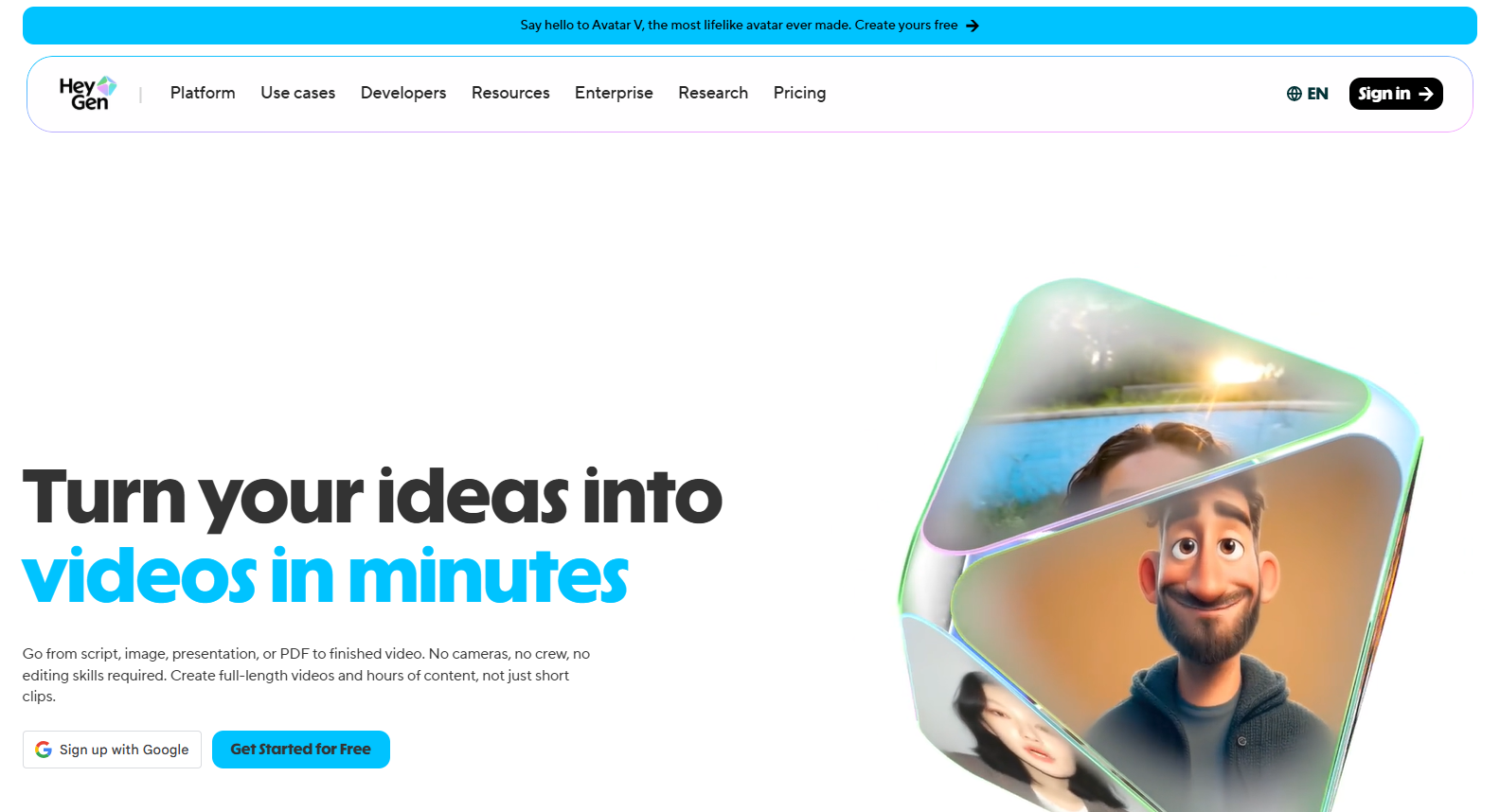
To solve this problem for video editors, HeyGen is the best tool. It creates short and long video clips from a script, image, or PDF in just seconds. You can also develop a digital clone of yourself that will move and act just like you.
Key Features
- Generate 4K video quality with realistic and natural expressions.
- Change the video style to landscape or portrait.
- Create videos in more than 175+ languages.
- Complete AI Studio comes with features like tone control, movement, and more.
What You’ll Get in the Free Usage?
HeyGen’s free version offers several features:
- 3 videos per month
- 30+ languages
- Up to 60-second video creation
- 1 digital custom twin
Premium Plan
| Creator | $29/month |
| Pro | $49/month |
Revideo
Is someone using your personal videos without your permission? Manually finding such people on the internet seems very complicated and time-consuming. You first need to take a screenshot of a specific frame from the video and then upload it to a reverse image search tool to find similar results, which can be very frustrating and time-taking.
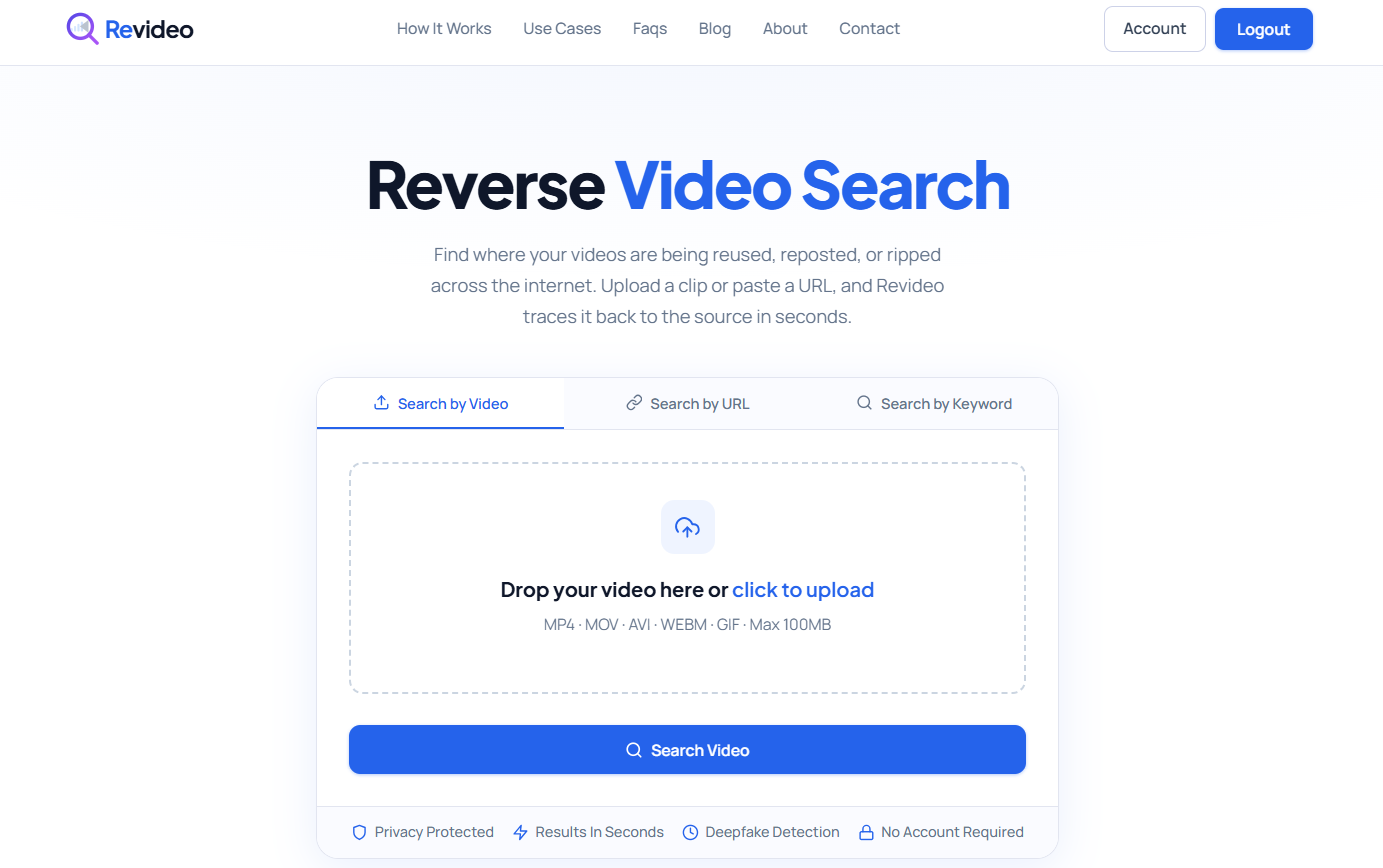
For a quick and accurate solution, Revideo lets you discover who is using your videos without your permission. It’s a free reverse video search tool where you upload the video clip, and it will find similar results from the indexed database on multiple search engines and social platforms.
Key Feature
- Scan your video on multiple platforms, including Google, Bing, and social media.
- Enable users to perform free reverse video search without registration.
- Perform frame-by-frame analysis to find exact matches online.
- Process your videos in seconds and instantly generate results.
What You’ll Get in the Free Usage?
Revideo provides completely free usage.
- Verify unlimited videos online
- No account required
- Allow users to search for videos by URL
- Quick results and no ads on the screen
Premium Plan
Revideo does not provide any premium plan.
Gamma AI
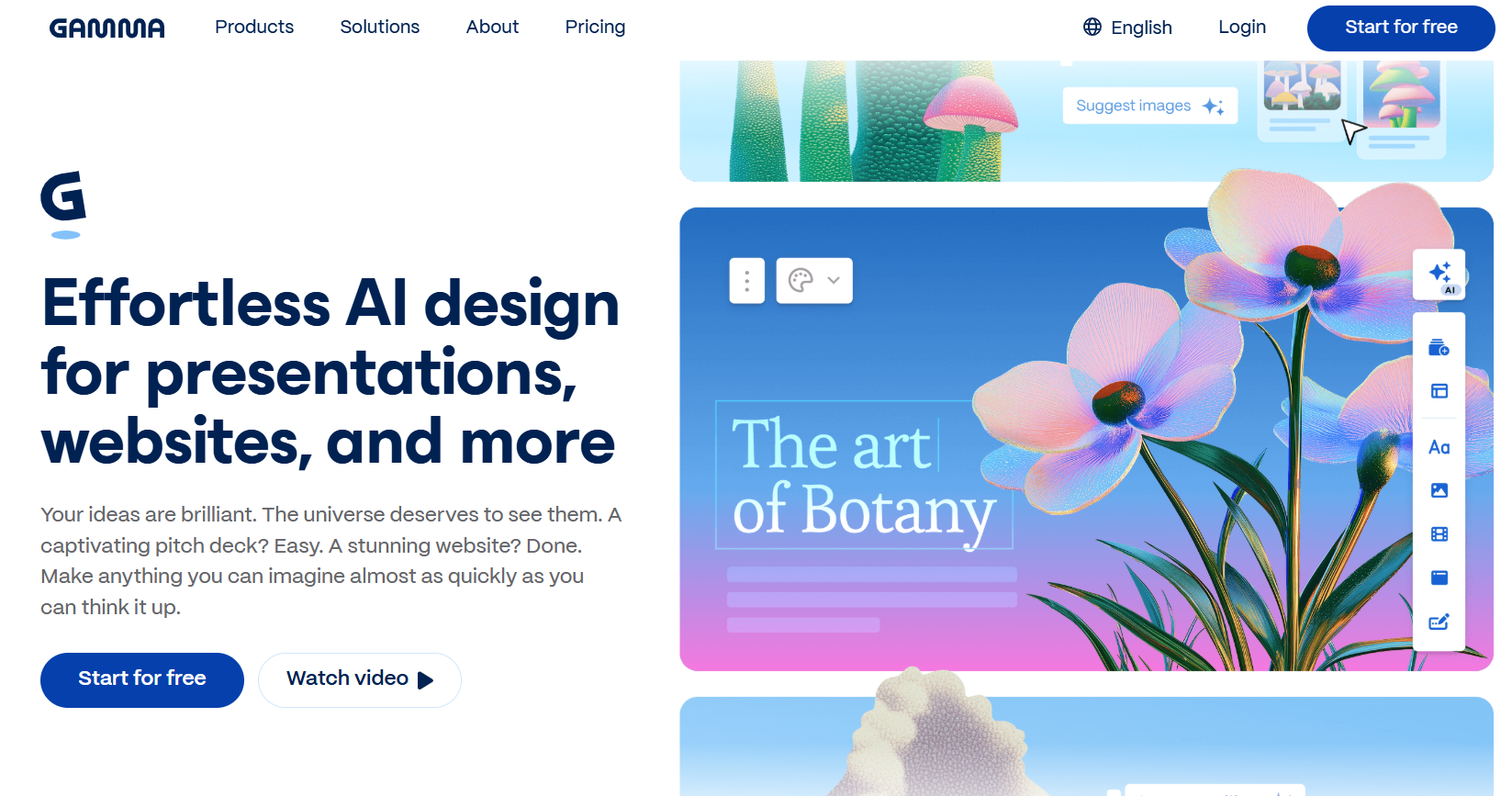
Need a website or presentation to showcase your skills to clients? Gamma AI lets you build an entire website, presentation, and visual graphics, with just a single line of prompt. It’s an excellent productivity tool where you just type your requirements, choose what you want, and it gives you instant results.
Key Features
- Pick from thousands of existing templates and edit them with a click.
- Allow users to upload files from device storage and edit them on the spot.
- Real-time collaboration with team members on the same project.
- Multiple options to export the generated websites or presentations.
What You’ll Get in the Free Usage?
In the free usage of Gamma AI, you will get:
- 400 credits when you sign up
- Maximum 10 cards per prompt
- PDF, PPTX, and Google Slides export options
Premium Plan
Gamma AI offers two different plans. One is “Individual”, and the other is “Teams.” You will get the following packages.
Individual:
| Plus | $12/month |
| Pro | $25/month |
| Ultra | $100/month |
Team:
| Team | $20/month per seat |
| Business | $40/month per seat |
Hemingway AI
If your content feels awkward or difficult to read, it could be because you have used complicated words or your sentences aren’t following a proper flow. Manually rewriting such content can take hours, which could be spent on other critical tasks.
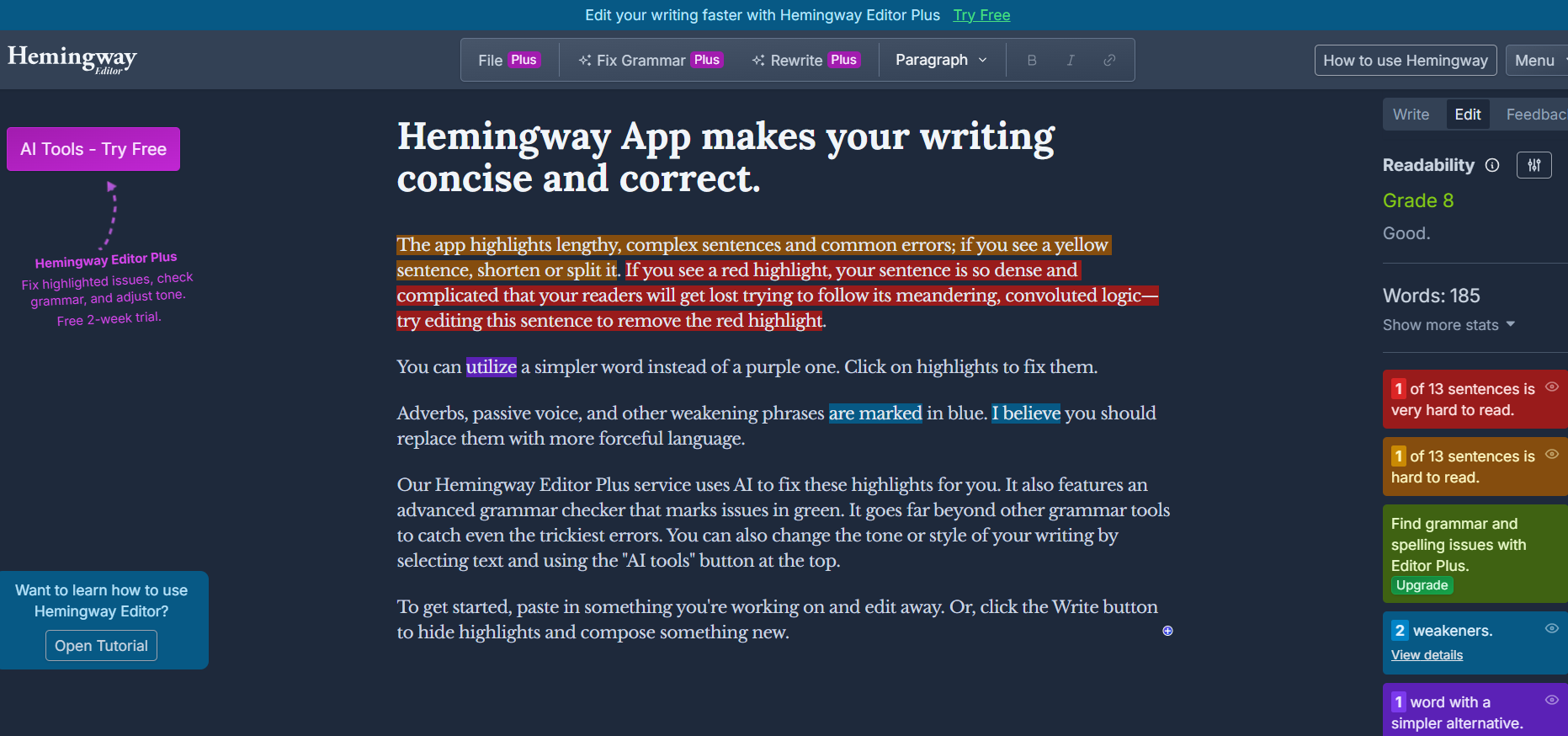
To get instant results, you can use Hemingway AI and rephrase your content in seconds. The AI editor of Hemingway App is a premium tool, but you can try it on a 2-week trial without paying a cent.
Key Features
- Easily analyze and check content readability.
- Highlight sentences and words that are complicated to read.
- AI-powered content optimization that can fix grammar and adjust tone.
- Multiple options to adjust the content tone according to your target audience.
What You’ll Get in the Free Usage?
Hemingway AI free versions let you:
- Check content readability
- Highlight grammar issues
- Format content on the spot
Premium Plan
| Individual 5K Plan | $25/month |
| Individual 10K Plan | $30/month |
| Team 10K Plan | $30/month per user |
Google NotebookLM
If you are doing research about a certain topic and there are a lot of web articles or PDFs you find, reading every single one of them can take too long. But with Google NotebookLM, you can easily summarize lengthy PDFs, documents, and research papers in one place.
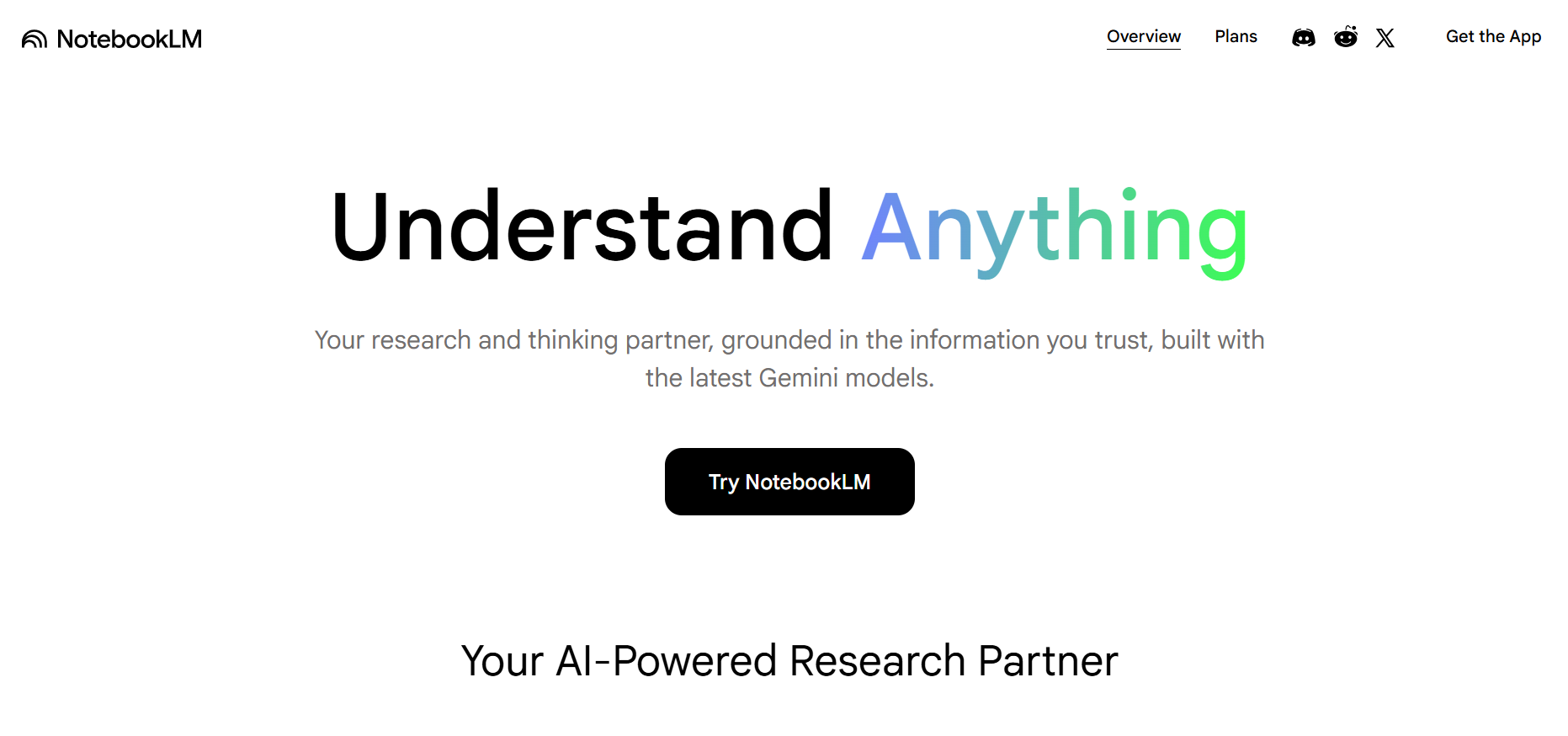
You can also ask any questions regarding the topic, and NotebookLM will fetch information from uploaded PDFs and documents in seconds. You can use it for research and development purposes.
Key Features
- Allow users to upload PDFs, webpages, audio files, documents, and YouTube videos.
- Summarize the uploaded information in seconds using the latest Gemini model.
- Provide a source of information so you can visit and verify for yourself.
- Convert text into audio so you can listen to the results instead of reading.
What You’ll Get in the Free Usage?
Here’s what you can get in the Google NotebookLM:
- Standard audio generation
- Upload 50 sources at a time
- Quick and accurate results
Premium Plan
| Google AI Plus | $7.99/month |
| Google AI Pro | $19.99/month |
| Google AI Ultra | $99.99/month |
Image to Text OCR
Manual extraction of data from images or screenshots takes hours and sometimes leads to typos. If you are also manually retrieving data from pictures that your boss shared, then it can waste your time and slow down your productivity.
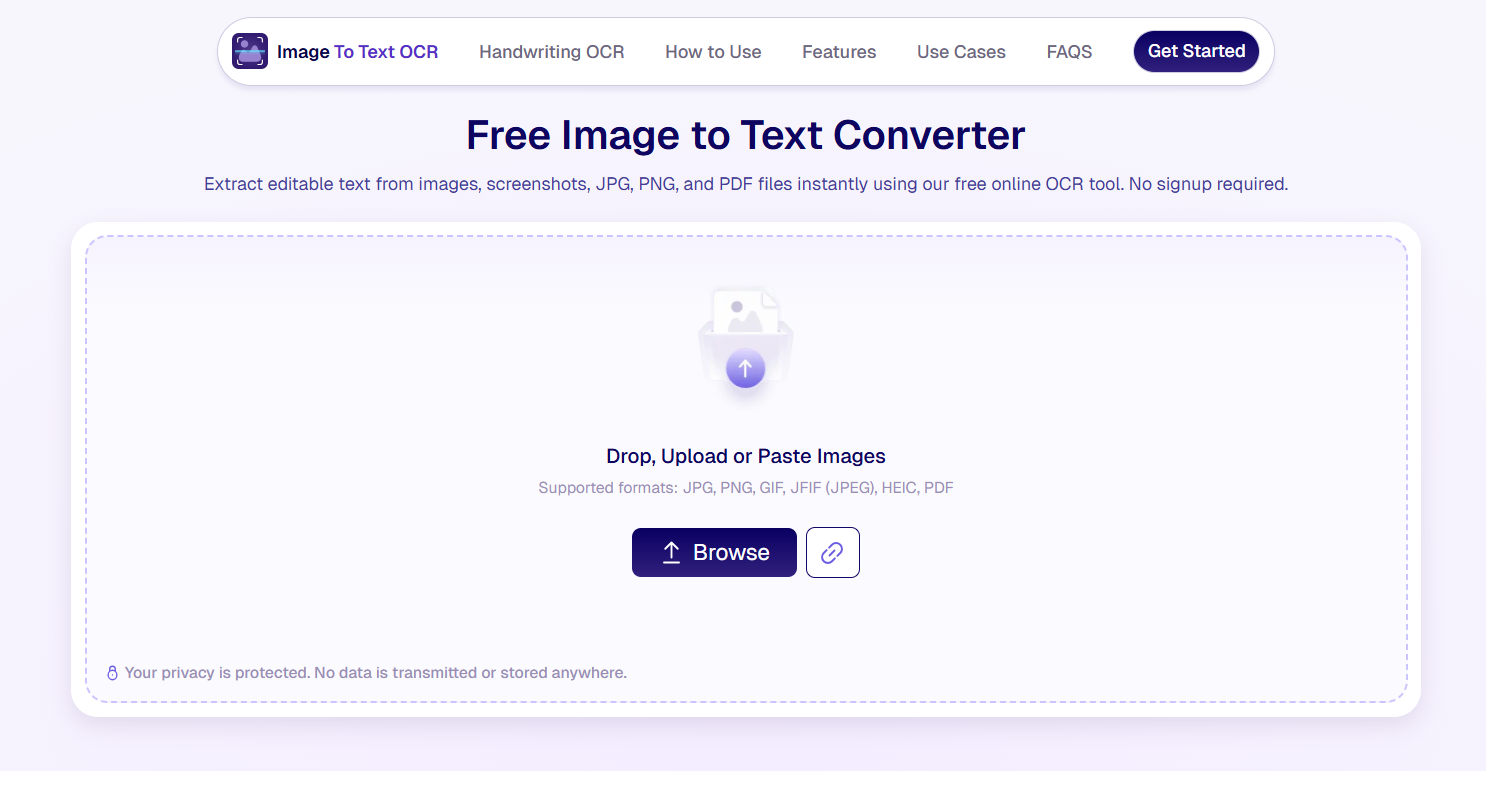
To do this job quickly and efficiently, you can use Image to Text OCR. It’s an online image to text converter that employs advanced OCR technology to extract data from pictures and convert them into a TXT file. This free image to text converter also lets you edit the extracted text on the spot.
Key Features
- Free usage with no signup or registration.
- Batch processing of up to 5 images.
- Multiple options to upload/import pictures.
- Option to crop the image to only extract specific text from the image.
- Export the extracted text in TXT format.
What You’ll Get in the Free Usage?
Image to Text OCR offers completely free usage. You can use all of its features without paying a dime.
Premium Plan
No premium plans are provided by Image to Text OCR.
Canva
Need to create carousels, brand images, or social media videos? Canva provides thousands of templates that you can use for free and personalize according to your brand or the services you’re offering.
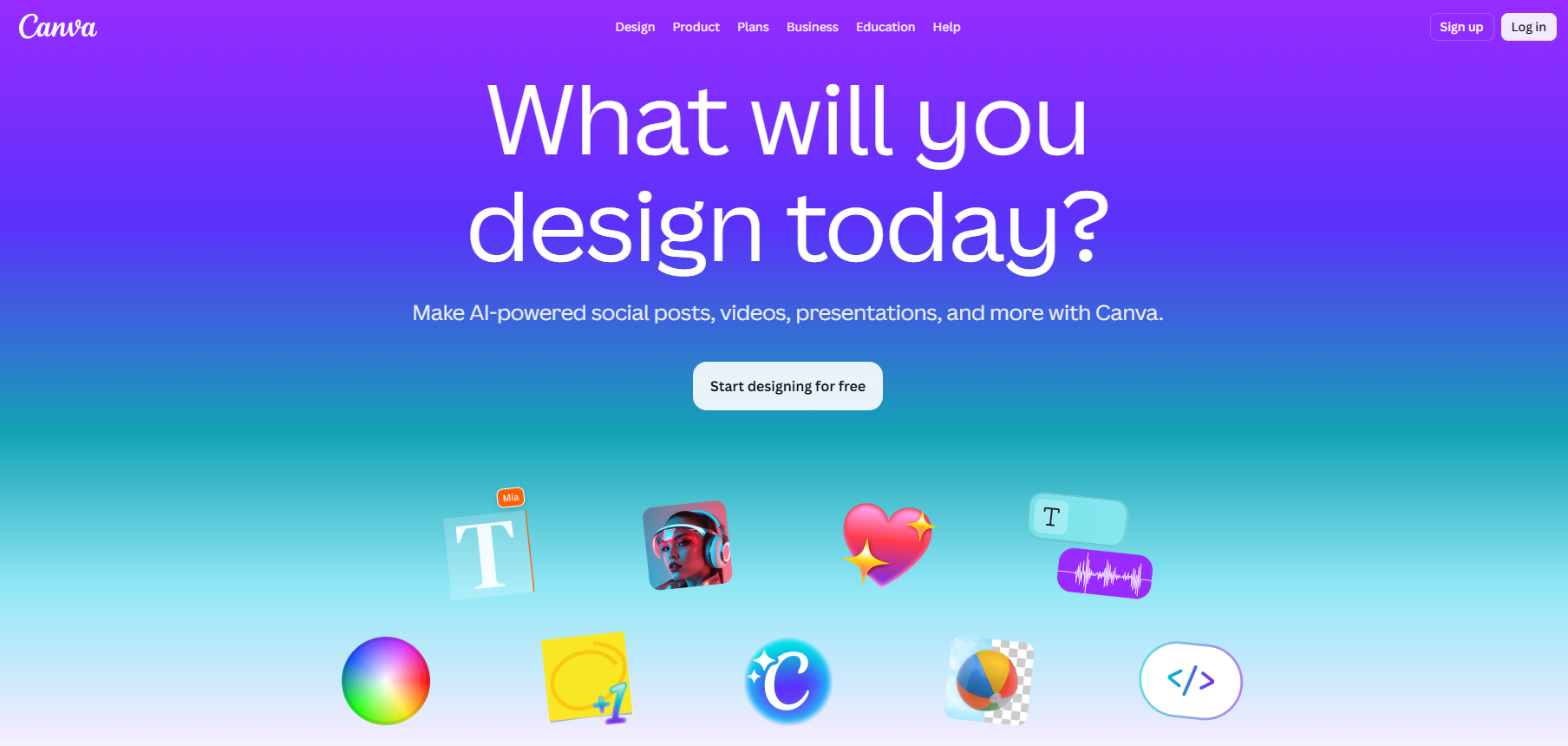
It’s the best solution for graphic designers and marketers to create captivating visuals promptly. You can also invite other people or team members to work on the same project and get it done before the deadline.
Key Features
- Thousands of free templates available to use and edit.
- Easily integrate with different apps, including Google Drive, Mailchimp, and Shopify.
- Remove background or unwanted objects from images.
- Teams can also share projects with other members and collaborate.
What You’ll Get in the Free Usage?
In the free version of Canva, you will get the following features:
- Countless customizable templates
- Free image stocks
- Trim and edit videos
Premium Plan
| Pro | $15/month |
| Business | $21/month |
| Enterprise | Contact sales |
Wrapping Up
Staying productive and organized doesn’t always require expensive software or complicated systems. The tools mentioned in this article can boost your productivity, reduce manual efforts, provide instant results, and let you focus on the tasks that matter most. Whether you need to create videos, build presentations, summarize research, extract text, improve writing, or design graphics, there is a free solution available. Try these tools according to your needs and see which ones fit best into your daily workflow and productivity routine.