
Email signatures often seem like a minor detail, something employees set once and forget. But as soon as a company grows beyond a handful of people, that “small detail” quickly turns into a problem.
Teams start using different formats. Some signatures are outdated. Others miss key information. Marketing teams have no control, and valuable communication space goes unused.
Most tools either overcomplicate things or don’t solve the real problem. That’s where MySignature stands out.
The real problem with email signatures at scale
From an individual standpoint, creating an email signature feels simple. Add your name, contact details, maybe a logo – and you’re done.
At least, that’s how it starts.
Once you move beyond a few employees, things begin to break.
What looks like a small branding detail turns into a shared problem with no clear owner. Everyone touches it. No one controls it.
Someone updates their job title manually.
Someone copies an old signature.
Someone changes the font.
Someone removes the disclaimer because it “looks cleaner.”
And suddenly, the same company is sending emails with different signatures, formats, and levels of quality.
It is easy to spot:
- branding that does not align throughout the employee emails;
- different fonts, color schemes, and designs;
- old-fashioned job titles, contact numbers, or hyperlinks;
- information or formatting omissions.
Each one on its own is small. But altogether, they make a statement.
E-mail signatures may be the last thing a reader sees. If it looks unorganized or outdated, it conveys the message that there is no control over this correspondence.
But that is not the whole story.
And it’s not just about appearance.
For many companies, email signatures are subject to legal requirements. Depending on the country or industry, emails may need to include specific disclaimers or company information. With manual management, keeping this consistent across a team is extremely difficult.
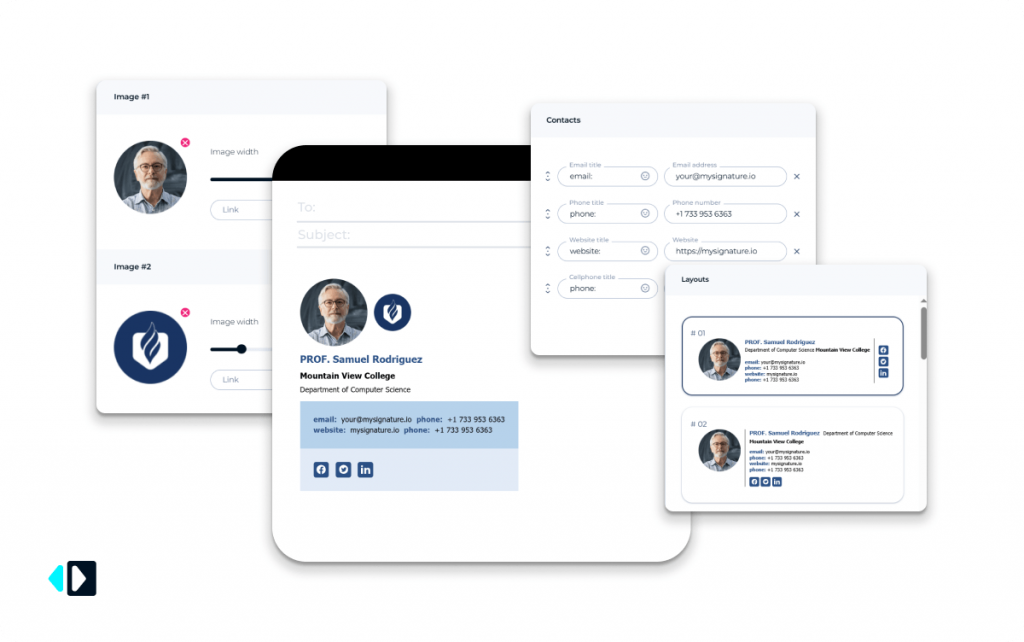
This is where a small issue becomes an operational problem.
Then there’s marketing – or more accurately, the lack of it.
Employees send dozens of emails every day. Across a team, that means hundreds or even thousands of impressions over time. Yet in most companies, email signatures remain static and disconnected from any broader strategy.
No campaigns.
No banners.
No calls to action.
No measurable engagement.
So instead of being a useful brand and marketing touchpoint, the email signature becomes what it often is in growing companies: a fragmented, outdated, and unmanaged mess.
Why most email signature tools fall short
Identifying the problem is one thing. Solving it properly is another.
This is where many email signature tools start to fall apart.
On the surface, they seem helpful – a few templates, some design options, a faster way to create signatures. But once a company tries to use them across an actual team, the limitations become obvious.
The first issue is manual implementation.
A tool may let you create a signature, but rolling it out across dozens or hundreds of employees is a different story. In many cases, teams still rely on copying and pasting signatures into individual email clients.
That can work for three people. But that doesn’t work when scaled up.
And it doesn’t fail all at once; rather, it fails slowly:
- The wrong version gets pasted;
- The formatting changes;
- The contact information becomes out of date;
- Old campaigns remain in signatures long after the fact.
In such cases, the team will lose consistency.
Secondly, there’s no central authority.
Signatures are created using most signature tools, but not managed. This distinction plays a critical role since from that moment on, everything begins changing – a disclaimer, a phone number, graphics, etc.
But more often than not, there’s no one responsible.
Without a central system, even small updates turn into a coordination problem. The larger the team, the harder it becomes to maintain consistency.
The lack of integration remains another issue.
Most of the existing software solutions have not yet provided proper integration with platforms such as Google Workspace and Microsoft 365. Instead of synchronizing employee information seamlessly, companies need to do all that work manually or store data in multiple locations.
This creates additional complexity for managers.
Moreover, most tools only provide basic functions.
They help you design a signature – and that’s it. No campaign management, no banners, no calls-to-action, no analytics.
So businesses end up with signatures that look fine, but don’t actually do anything.
And that’s the missed opportunity.
Every email sent by an employee is a touchpoint. Signatures can reinforce branding, promote content, and drive engagement – even when the email itself is not marketing-focused.
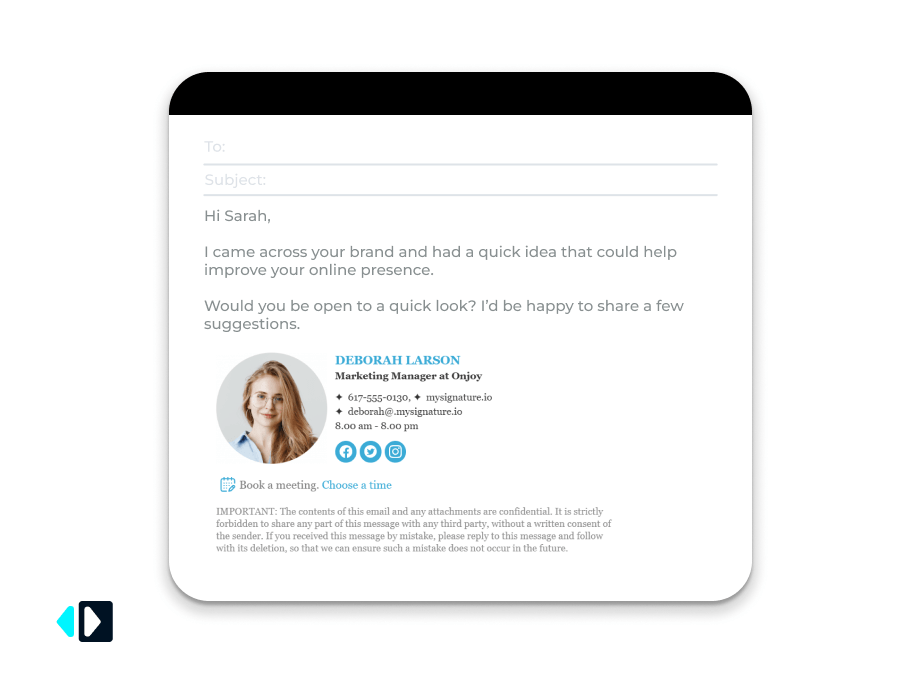
Most tools don’t support that.
And that’s exactly where better solutions start to stand out.
Centralized signature management for teams by MySignature
This is where MySignature starts to feel less like a simple tool and more like infrastructure. Here we treat email signatures as an integrated solution, not individual settings.
Rather than forcing each and every employee to personalize their own signature, companies develop a unified signature template and then deploy it to all users. This way, all team members utilize the exact same signature format, style, and functionality – automatically.
But this is only a part of the story.
Standardization of corporate communication creates trust, strengthens brand recognition, and improves internal processes. Otherwise, any deviation from established standards will eventually lead to operational inefficiencies.
This is especially relevant when it comes to updates.
With MySignature, any change made to the master template is applied automatically to all employees. Whether it’s:
- updating job titles;
- fixing contact details;
- adding a legal disclaimer;
- launching a new campaign.

It all occurs automatically without prompting, chasing, or any kind of fixing.
There’s no “update your signature by Friday.”
No more chasing users on Slack.
It’s automatic.
The other great benefit is directory integration.
All of the information that you have about your employees in your internal directories can be automatically imported into signatures without any additional editing.
If a user gets a promotion, changes their email address, moves to another department, or even leaves your organization, it will be updated automatically without requiring you to clean up anything.
MySignature can integrate with services like Google Workspace and Microsoft 365.
The idea itself is simple – but rarely implemented well: a single source of control over how a company appears in every email.
With this control in place, everything else will become much easier:
- consistency in branding,
- rapid onboarding,
- updates made reliably,
- compliance baked into the system,
- campaigns executed seamlessly.
This is what differentiates signature management from proper signature management.

Turn everyday emails into a marketing channel
One of the most underused marketing assets in business communication is hiding in plain sight – the email signature.
Not your homepage.
Not your newsletter.
The signature.
Every employee email is already a touchpoint. It reaches clients, leads, partners, and prospects every single day. And yet in most companies, that space does almost nothing beyond showing basic contact details.
That’s a missed opportunity.
At scale, an email signature is not just a sign-off. It becomes a quiet but consistent distribution channel – one that requires no extra effort from your team.
This is where MySignature goes beyond a visual tool.
Instead of static signatures, it allows companies to turn them into active marketing elements. Teams can add:
- promotional banners;
- rotating campaigns;
- call-to-action buttons;
- links to products, events, case studies, or content.
The value here is practical.
Marketing teams can promote webinars or campaigns.
Product teams can highlight new releases.
Sales teams can drive traffic to booking pages or offers.
All through emails that are already being sent.
That’s what makes this approach effective. There’s no need to launch separate campaigns just to get visibility – the communication is already happening. MySignature helps you use it.
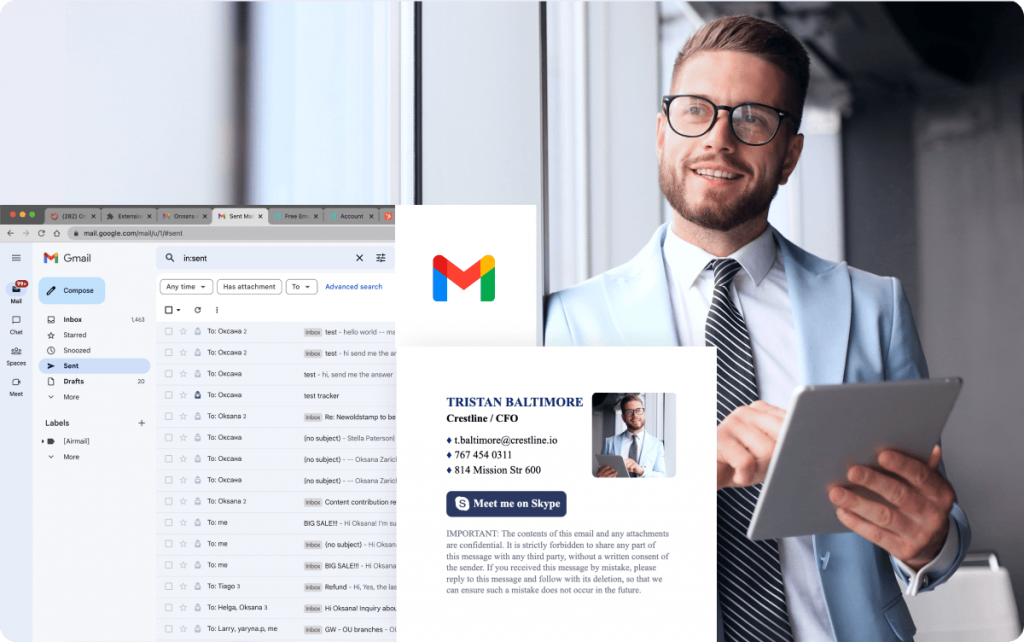
It also adds what most tools lack: trackability.
It also provides something that is missing from the vast majority of email marketing tools: trackability.
UTM tracking allows marketers to see how their recipients interact with links from the signature. They can learn about:
- Which elements are getting clicked on.
- Which signatures work better.
- What they need to repeat.
Even a low click-through rate can become very significant when we multiply this number by dozens – even hundreds – of people sending out emails every day.
Individually, each signature may look unimportant.
Collectively, signatures become a steady stream of traffic.
That’s the shift.
The email signature stops being a passive ending – and starts working as a reliable marketing channel.
Built-in analytics: knowing what really works
Most email signature services end with setup.
You make your signature, send your emails – done.
No data.
No tracking.
No idea whether any of it is even working.
MySignature takes a different approach.
Once signatures include banners, links, and calls to action, the question becomes simple: does this perform?
With built-in analytics, teams can track interactions directly inside email signatures, including:
- banner clicks;
- link engagement;
- social media interactions.
This becomes especially valuable when multiple campaigns are running at the same time. A webinar banner, a product update, a seasonal offer – they may all look good. But looking good doesn’t mean performing well.
This is where MySignature makes the difference.
No more guesses – you can:
- determine which campaigns attract the most clicks;
- learn which CTAs convert;
- monitor your engagement over time.
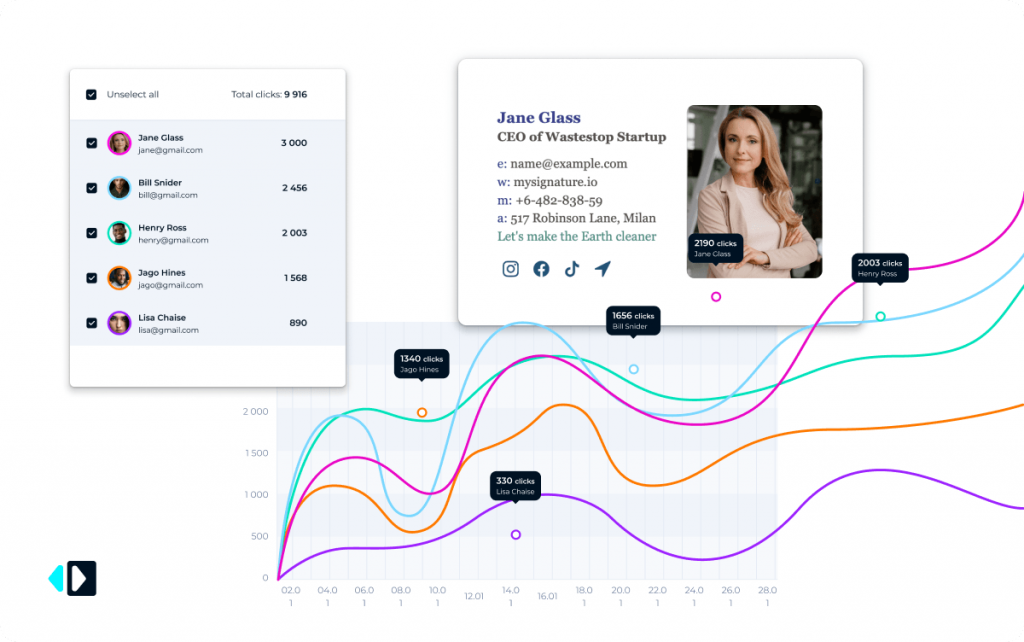
Trends begin to appear. Certain offers work better in sales emails, while others work better in support or customer success communications. Without analytics, these trends remain hidden. With analytics, they become evident.
Data is available on a daily or monthly basis, which makes it possible to respond quickly:
- underperforming banners can be replaced immediately;
- high-performing CTAs can be reused and scaled;
- drops in engagement can be addressed before campaigns lose momentum.
Another key advantage is campaign comparison.
Rather than blindly launching signature marketing efforts, the teams can compare results and determine what works and what doesn’t work.
This kind of transparency is not common in most organizations.
Signatures are typically considered a simple branding effort where uniformity is all that is important. With MySignature, signatures become an effective communication medium that can be measured.
That makes all the difference.
Because now that performance is known, it can be managed.
And that means it is worth improving.
Privacy and deliverability you can trust
When choosing an email signature solution, design is only part of the picture.
Trust matters more.
Email tools sit close to critical infrastructure. So performance, security, and risk-free usage are not optional – they’re expected.
This is where MySignature takes a safer approach.

Rather than sending emails via third-party servers or interrupting your workflow, this operates like a client-side application. Your staff continues to use their current email system without any complications.
Practically speaking, this means that:
- emails are not relayed via any third-party server;
- there is no impact on deliverability;
- email data is not analyzed or saved.
This difference is vital.
To IT personnel, it minimizes risk.
To companies obsessed with regulatory compliance, it eliminates one headache.
To everybody else, it provides an invaluable asset – peace of mind.
This approach is especially valuable for companies handling sensitive data or operating in regulated industries, where even small changes to email systems can create security challenges.
By separating signature management from email communication, MySignature allows teams to standardize and control signatures without interfering with how emails are sent or delivered.
No disruption. No trade-offs. Just control where it’s needed.
Flexible for both teams and individuals
Most email signature tools are built for one type of user.
They either work for teams – or for individuals. Rarely both.
MySignature manages to do both without adding complexity.

The value lies in the management and consistency. Once a team starts sending email communications from an organization, little issues become big problems – out-of-date contacts, incorrect formatting, lack of disclaimers.
Using MySignature allows businesses to:
- manage their signatures from a single place;
- update immediately for all members of the team;
- maintain consistent branding and legal details;
- avoid the hassle of manual changes.
There will be no more multiple versions, with just one system being used for every signature.
And this is more important than it looks at first.
The reason why is simple:
- someone uses an out-of-date job title;
- someone gets rid of a campaign banner;
- someone simply uses an older version.
In this case, inconsistency is guaranteed.
For individual professionals, the goal is different – but just as important.
A signature isn’t just contact information. It’s part of how you present yourself.
It works for:
- a solo professional;
- a growing team;
- a large organization.
Same tool. Different scale. Handled properly.
And that’s the point.
MySignature adapts to how people actually work – whether they manage one inbox or hundreds.

Conclusion
Email signatures happen to be one of the most neglected aspects of business communication.
This may not look important – until it becomes problematic at large volumes. At the same time, email signatures still stay among the simplest ways of ensuring consistency and improving communication with every message sent from your company.
MySignature isn’t simply an email signature generator.
It’s a way of introducing control, organization, and tangible benefits into what most companies pay no attention to. It helps ensure consistent communication, support company branding, and create a functional communication channel out of routine email correspondence.
As long as all messages represent touchpoints with clients, the smallest things do matter.